Firefox 157.0 made its tabs round along with a bunch of other UI elements. I thought it was ugly as hell, so I spent time figuring out how to change the tabs back. Here’s how to bring back corners in Firefox tabs and other areas.
Removing Rounded Tabs
This has been tested on Firefox v159.
- Type
about:configin your browser and press enter. If you see a “Proceed with Caution” screen, click on “Accept the Risk and Continue”. - Type
toolkit.legacyUserProfileCustomizations.stylesheetsinto the search field and press enter. - In the result that comes up, click on the circle icon on the right side. The
falsevalue should change totrue. - Next, go to
about:support, search for “Profile Folder”. You should see the full path to your Firefox profile, usually ending with.default-release. Open that directory. - In that folder, create a folder named “chrome”. Then, create a file inside it called “userChrome.css”.
- Copy and paste this CSS into “userChrome.css”:CSS
:root { --tab-border-radius: 4px !important; } - Save “userChrome.css” and restart Firefox.
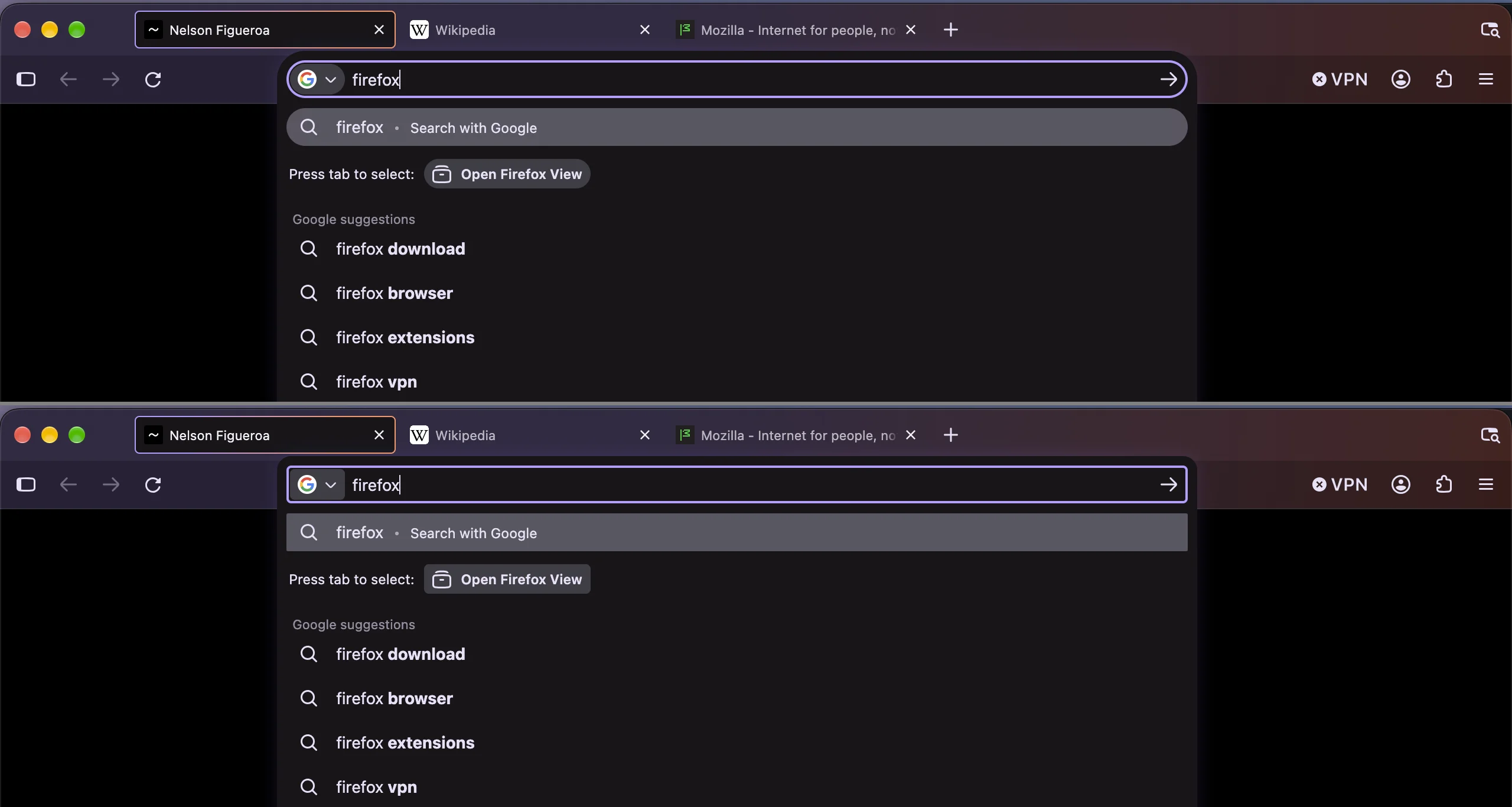
The tabs are more squared now. I like my tabs boxy, but you can tweak the 4px value and increase it if you want more roundness, or set it to 0px if you want fully square corners. Just remember to restart Firefox after editing and saving. Here’s a before and after screenshot:

Squaring off the Address Bar and Menus
If you also want other elements to be less rounded, add the following to “userChrome.css”:
:root {
  --border-radius-small: 4px !important;
  --border-radius-medium: 4px !important;
  --border-radius-large: 4px !important;
  --border-radius-xlarge: 4px !important;
  --panel-border-radius: 4px !important;
  --panel-menuitem-border-radius: 4px !important;
}
There is no --tab-border-radius in this CSS snippet because the variables already cover the tabs.
Then restart Firefox. Your address bar, menus, and bookmarks should be more squared, just like your tabs.
Squaring off the New Tab and Home Pages
In the same “chrome” directory that you previously created, create a new file named “userContent.css” and add this CSS to it:
@-moz-document url("about:newtab"), url("about:home") {
  :root {
    --border-radius-small: 4px !important;
    --border-radius-medium: 4px !important;
    --border-radius-large: 4px !important;
    --border-radius-xlarge: 4px !important;
  }

  content-search-handoff-ui {
    --content-search-handoff-ui-border-radius: 4px !important;
  }
}
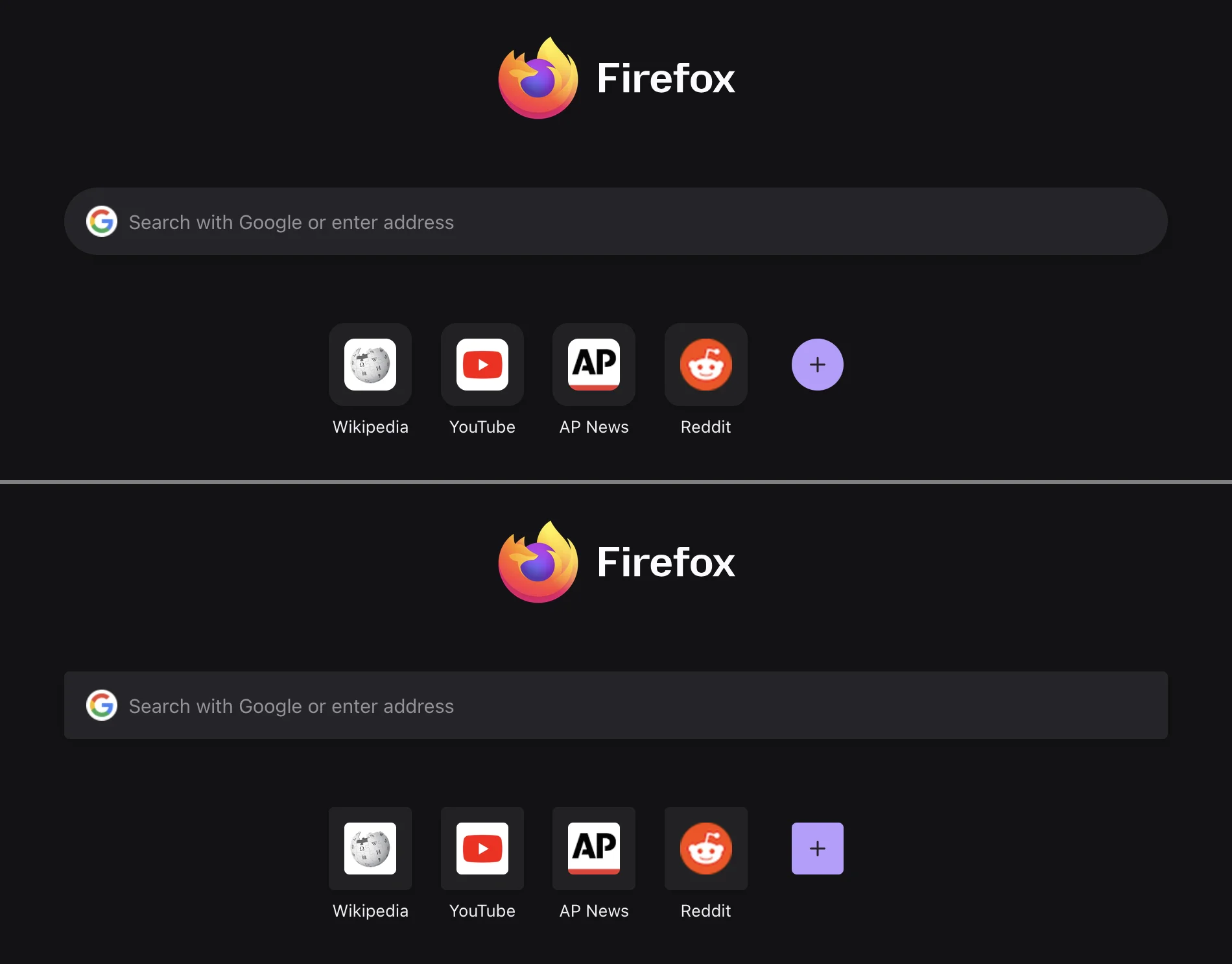
Save the file and restart Firefox. The elements on the new tab and home pages should be more squared.