Phishing Attempt via Text Message
Today, I received this text message that is obviously a phishing attempt:
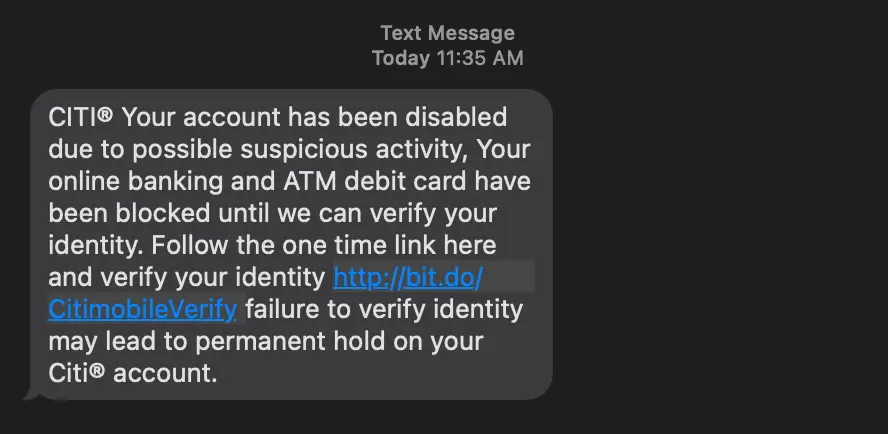
I was curious, so I went ahead and checked out the site. It was a mediocre attempt at recreating the actual site.

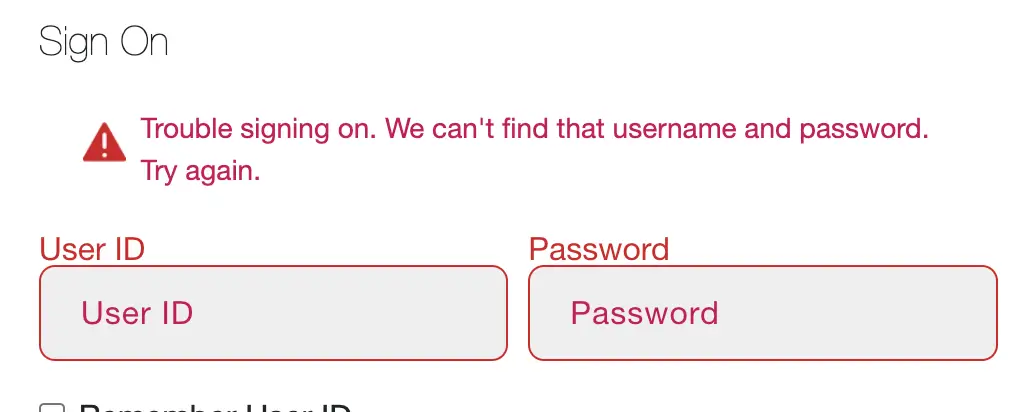
I opened my browser’s dev tools to capture network activity. Then I submitted some made up credentials. Unsurprisingly, they didn’t work:
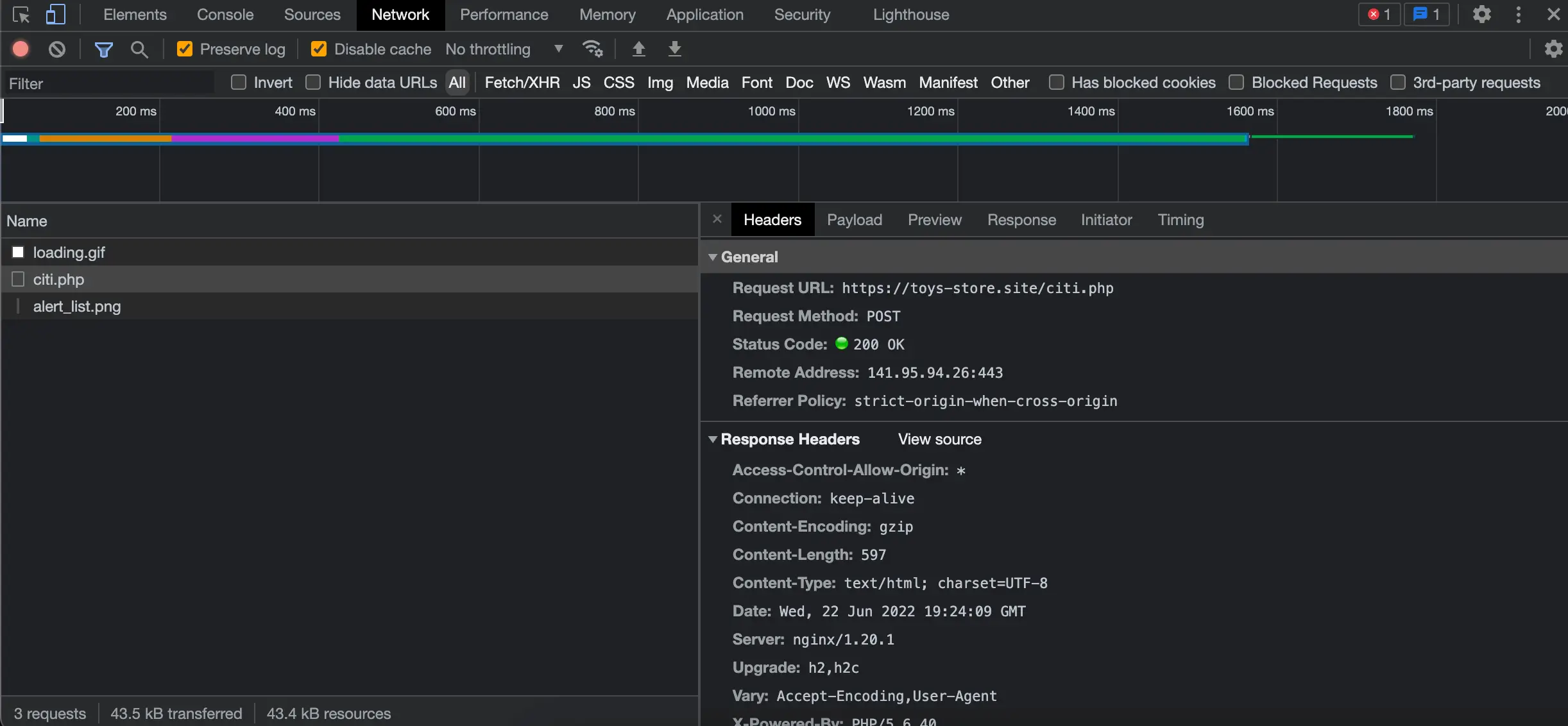
In the dev tools, I checked the headers tab to see that the requests were actually going to https://toys-store.site/citi.php:
I could also see my credentials in the payload:
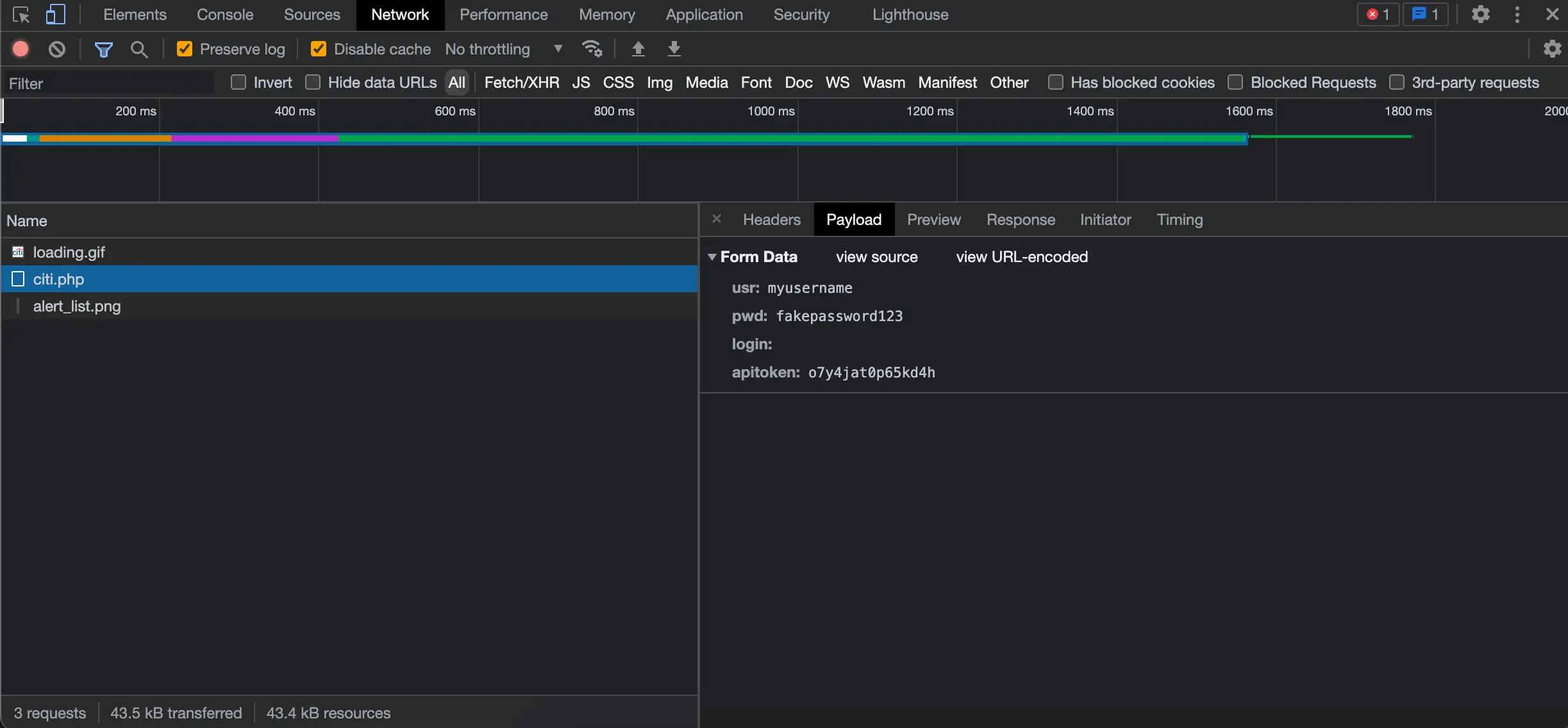
With this information, I could create a Python script to flood the scammers with fake credentials. This way, they won’t know what credentials are valid when using them themselves.
Creating a Python Script
My plan was to create a loop that would continuously send POST requests to the scammer site.
I wanted to speed up the amount of POST requests I could send at a time. I came across the
multiprocessing package that could help me with that.
I also planned on using
Faker to dynamically generate credentials.
I came up with the following code:
from multiprocessing import Process
from faker import Faker
import requests


fake = Faker()
url = "https://toys-store.site/citi.php"

# use the same request headers shown in the browser dev tools under the 'Network' tab
headers = {
    "Accept": "*/*",
    "Accept-Encoding": "gzip, deflate, br",
    "Accept-Language": "en-US,en;q=0.9",
    "Cache-Control": "no-cache",
    "Connection": "keep-alive",
    "Content-Length": "69",
    "Content-Type": "application/x-www-form-urlencoded; charset=UTF-8",
    "Host": "toys-store.site",
    "Origin": "https://mobilecitiauthorization.dns2.us",
    "Pragma": "no-cache",
    "Referer": "https://mobilecitiauthorization.dns2.us/",
    "Sec-Fetch-Dest": "empty",
    "Sec-Fetch-Mode": "cors",
    "Sec-Fetch-Site": "cross-site",
    "Sec-GPC": "1",
    "User-Agent": "Mozilla/5.0 (iPhone; CPU iPhone OS 13_2_3 like Mac OS X) AppleWebKit/605.1.15 (KHTML, like Gecko) Version/13.0.3 Mobile/15E148 Safari/604.1",
}

# infinite loop to send requests
def send_post_request():
    while True:

        # dynamically generate request payload using Faker
        payload = {
            "usr": fake.simple_profile()["username"],
            "pwd": fake.password(),
            "login": "",
            "apitoken": "o7y4jat0p65kd4h",
        }

        # send post request with payload and headers
        response = requests.post(url, data=payload, headers=headers)

        # extract time from response headers to make it easier to see when requests are sent in the CLI
        time = response.headers["Date"].split(" ")[4]
        print(f"{time} -- Request sent. Status Code: {response.status_code}.")


# starts 25 different processes running this code
if __name__ == "__main__":
    for _ in range(25):
Process(target=send_post_request).start()I ran the script and left it running for a while. The time being printed out is extracted from the response headers. This way I could easily see requests as they’re being sent in the CLI:
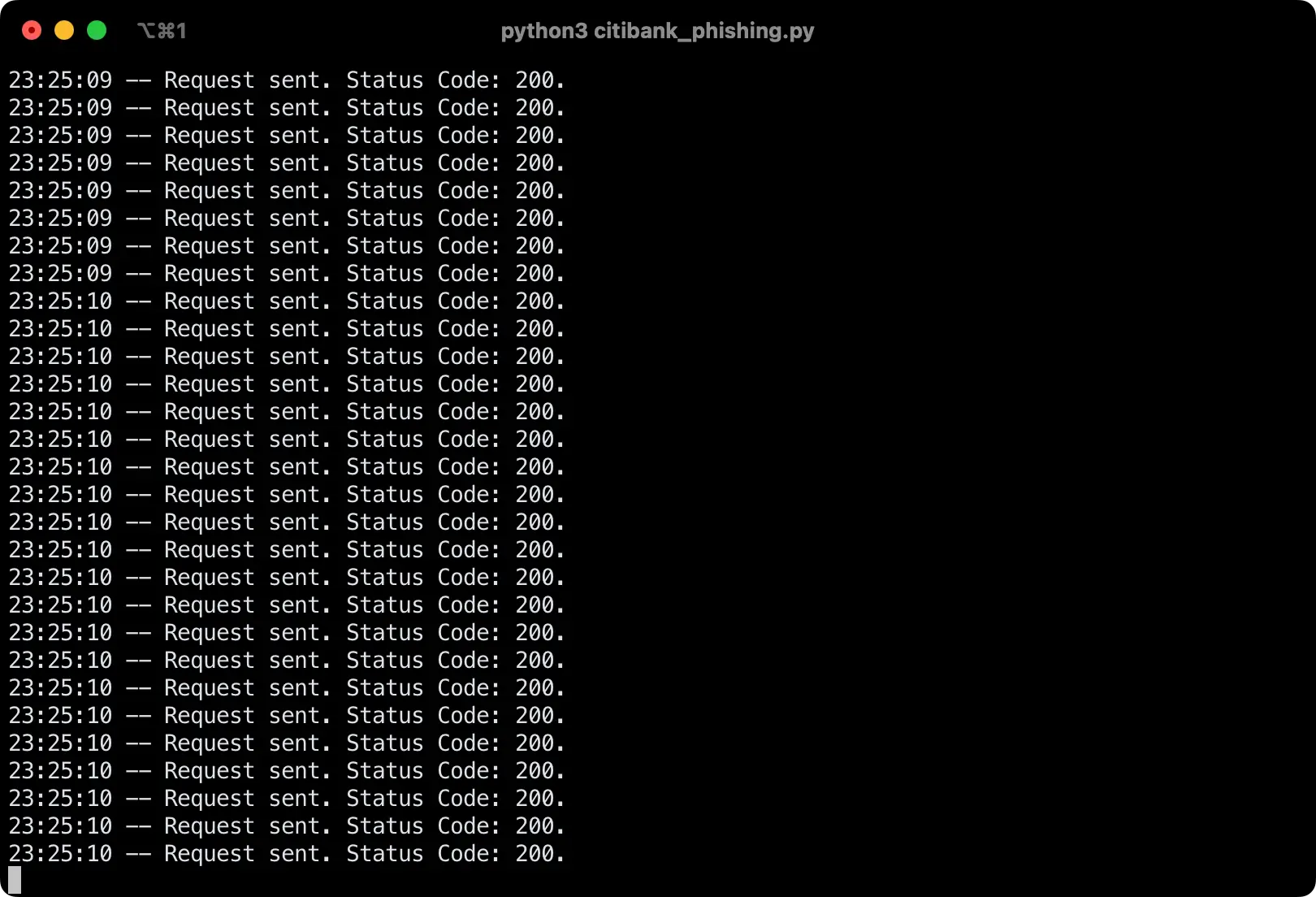
It’s not easy to tell in a screenshot, but with the multiprocessing package I was able to speed up the process of sending post requests. My terminal was filling up pretty quickly.
I hope I made the scammers’ lives more difficult as a result of this. I also reported the domains being used so that they are hopefully flagged by browsers in the future.
If you enjoyed this, I previously did something similar to mess with some MetaMask scammers: Retaliating Against MetaMask Scammers With Python.